NetEase Tianma Enters Interactive Drama. How Do You Record Multiple Endings Without Rework?
The player hands over the evidence. Their partner says, “I understand.” In another branch, the player accuses that same partner of leaking it. The answer is still “I understand.”
The words are identical on the script. In one branch, the partner is acknowledging a show of trust. In the other, they are keeping their emotions in check. If you group lines by text alone before recording, you may end up booking the actor again once the scene is in the build.
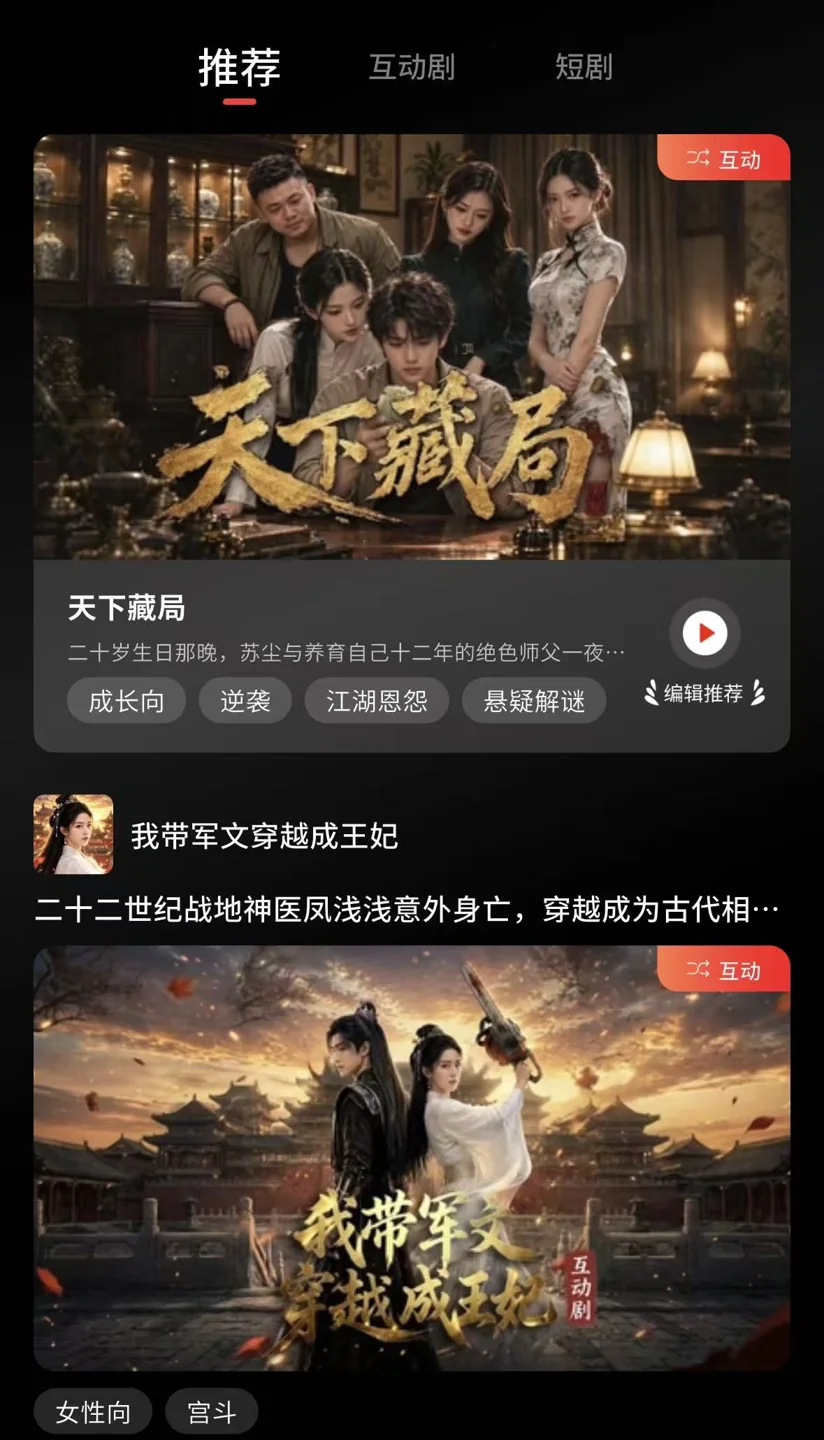
In mid-November, NetEase launched the NetEase Tianma app, bringing short dramas and stories with playable choices into the same app. For teams making interactive films and dramas, that adds a layer to voice production. Actors need to know what the player just chose, and developers need to know which take should play in response. Agree on both before the recording session. Reporting by Cailianshe
Put the player's latest choice in the script
Take the evidence scene. Add two columns to your dialogue sheet so the team can see what the player just did and what the character wants in that moment. The actor, recording engineer, and developer can then use the same sheet to decide which lines need more than one take.
| Line ID | Trigger | Dialogue | Performance note |
|---|---|---|---|
| 08-01 | Shared by both branches | Someone's outside. | Keep it low. You're warning your partner. |
| 08-02A | The player hands over the evidence | I understand. | Take in the gesture of trust and answer steadily. |
| 08-02B | The player accuses the partner of leaking it | I understand. | Hold back. Pause for a beat before you answer. |
| 08-03B | The player presses for an answer | Where did you hear that? | You're already on your guard. |
“Someone's outside” carries the same information and intention in both branches, so they can share a recording. “I understand” does two different jobs, so keep both takes in the delivery. Use matching IDs in the dialogue sheet, audio filenames, and playback triggers. If a reviewer says the line on the accusation route sounds flat, the team can go straight to 08-02B.
Record and test one branching scene first
Pick a scene that will put the workflow under pressure. Give it two choices, a shared line, a line with two different performances, and a music transition. Put the recordings into a playable build and run both paths from the start. Try again, this time clicking quickly or skipping ahead.
Listen for three things.
- Does the performance carry through? Start before the choice appears and check that the shift in the character's mood makes sense.
- Does the right take play? Choice A should trigger take A. If you go back and choose again, the previous line should stop.
- Is the transition clean? Check that the selection sound leaves the end of the line clear and that the next scene's dialogue and ambience come in at the right moment.
Once that scene works, use the same sheet and naming scheme for the remaining branches. When a scene is added later, the writer, recording engineer, and developer can all identify the route, line, and version.
For a sample of character dialogue, listen to CMV Studio's voice work for the game Shuo Ke Shuo. If you're preparing an interactive drama or film, send a branching scene, short character profiles, and any playable demo you have. That gives us enough to discuss which lines can share a take and which ones need separate performances.